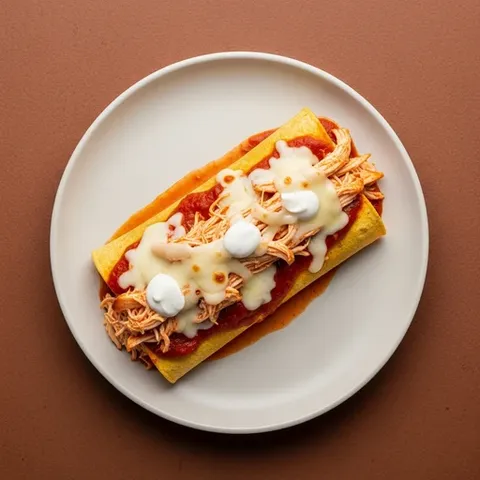
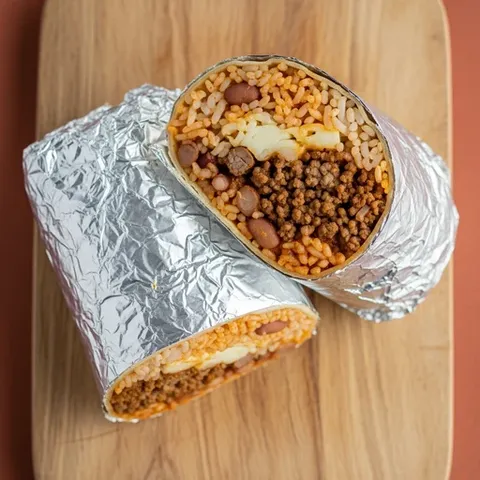
A printable meal planner works when it's simple, visible and filled in on the same day every week. Choose a layout above: a weekly planner with a row for each meal, a week with a grocery list column, or a monthly calendar of dinners. Print it, put it where the whole house can see it, and plan in pencil.
Which meal planner template should you print?
Pick the template that matches how you actually shop and cook:
- Weekly: seven days across the top and a row for breakfast, lunch and dinner, with a small grocery list strip underneath (produce, meat and fish, dairy and eggs, pantry). Best if you plan most meals at home.
- Week + grocery list: the same week with a tall lined grocery list column on the right. Best if you shop once a week and want the plan and the list on one sheet.
- Monthly dinners: a five-week calendar with one box per day. Best for families who only plan dinners and like to see the whole month.
Under Meals, choose breakfast, lunch and dinner, add a snacks row, or switch to dinner only. Dinner only gives each day a big box, with room for the meal, who's cooking and a note like "thaw chicken." Under Paper, pick US Letter or A4. Every template prints in landscape on one page.
How to use a paper meal planner so it sticks
The template is the easy part. These habits are what make a paper plan last past the second week:
- Plan on the same day every week. Pick the day before you shop, Thursday night for a Friday shop or Saturday morning for a Sunday shop, and give it 15 minutes.
- Start with dinners. Fill five dinners first. Breakfasts and lunches can repeat; two or three breakfasts on rotation is normal.
- Write the grocery list as you go. Each time you write a dinner, add what it needs to the grocery column. Check the fridge and pantry before you cross the list off as done.
- Plan the leftovers. Write "leftovers" or "eat out" into one or two boxes instead of leaving them blank. A blank box is the night you end up ordering in.
- Hang it where you decide what to eat. The fridge door at eye level or the inside of a pantry door works. Next to the grocery list pad, if you have one, is even better.
- Use a pencil. Plans change. Swap Wednesday and Thursday when you need to; the plan still did its job.
- Keep the old sheets. After a month you have a menu library. When you're stuck, copy a week that worked.
Planning before you shop has a payoff beyond saved time. The USDA counts buying or cooking more than you need among the ways households add to food waste, and a written plan is the simplest guard against it.
A weekly dinner menu with theme nights
Theme nights make a weekly dinner menu almost write itself. You don't decide "what's for dinner" seven times, just "which pasta" or "which tacos." Here is a week of themes with a real dinner from our planner for each:
| Night | Theme | Example from the planner | Time |
|---|---|---|---|
| Monday | Meatless Monday | Black bean tacos | 20 min |
| Tuesday | Taco Tuesday | Ground beef tacos | 20 min |
| Wednesday | Pasta night | Spaghetti with turkey meat sauce | 30 min |
| Thursday | Bowl night | Teriyaki chicken rice bowl | 30 min |
| Friday | Pizza night | Pita pizzas | 15 min |
| Saturday | Sheet-pan night | Sheet-pan chicken fajitas | 30 min |
| Sunday | Soup or slow night | Minestrone soup | 40 min |
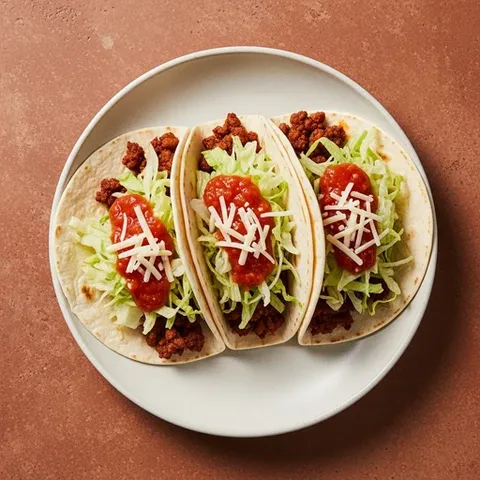
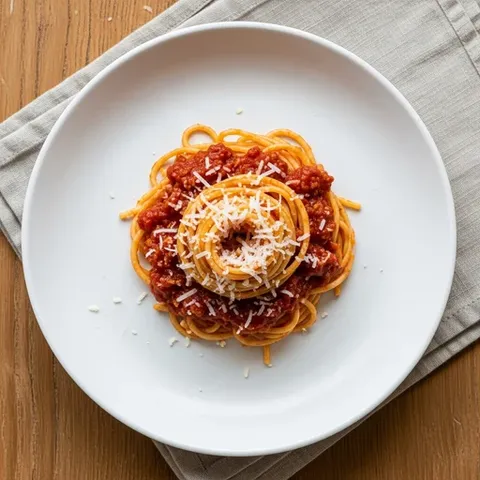

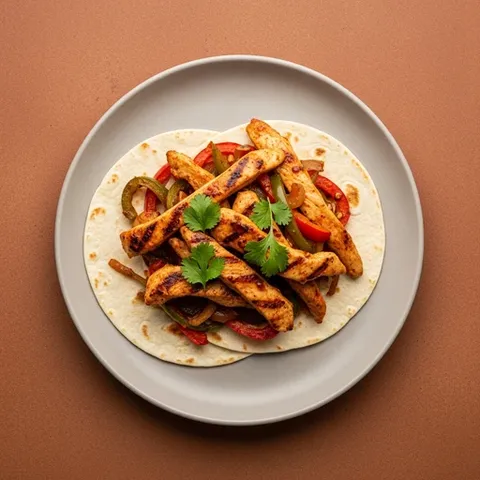
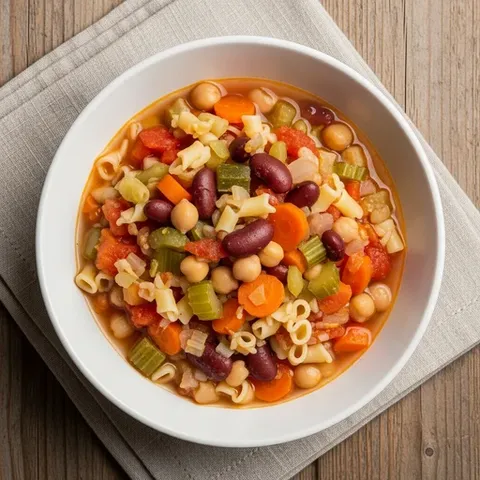
Two tacos in a row? Swap Monday for Lentil bolognese or Veggie fried rice. The theme is a starting point, not a rule. For more dinners kids tend to eat, see the family meal plan.
How to fill a monthly meal planner
A monthly meal planner sounds like a lot of decisions, but with theme nights it's about 20 choices, not 30. Here is a way to fill it in 20 minutes:
- Write your theme for each weekday down the left side of the month in pencil.
- Mark two nights a week as leftovers or eating out. That leaves around 20 dinners to choose.
- Put your family's four or five favorite meals in first, once each. They're the ones nobody complains about.
- Fill the rest with one new recipe a week at most. New recipes take longer, so give them a weekend night.
- Shop one week at a time. A monthly plan is for deciding, not for buying a month of fresh food.
Many families keep the monthly calendar on the fridge and print a weekly sheet with a grocery column for each shop. The how to meal plan guide goes deeper into building the habit.
When a digital meal plan works better
Paper is great for seeing the week and for getting everyone to look at it. It's weaker at the arithmetic. When you cook three meals that each use an onion and two that each use half a can of beans, adding it up by hand takes time, and that's where lists go wrong.
Our free meal planner does that part. It fills the week with real recipes, shows protein and calories per serving, lets you swap or lock any meal and writes the grocery list for you: added up, scaled to your household, rounded to store sizes and sorted by aisle. You can still print it. The week fits on one landscape page and the list on the next. If you only need the shopping part, the grocery list maker starts from dinners.
Some families use both: the planner to make the week and the list, and a printed sheet on the fridge so everyone can see it. If the fridge door isn't where your household looks, DailyWall, our iPhone app, can put this week's dinners on your lock screen instead.